OVERLAY
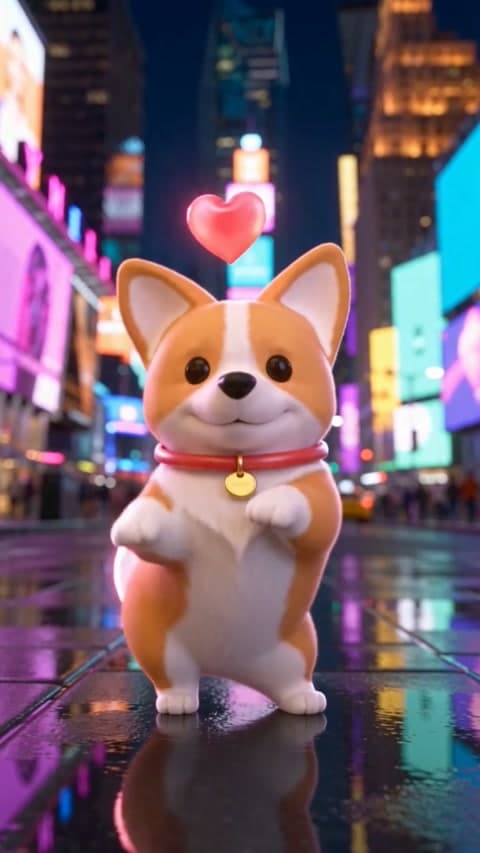
Corgi Gift Animation
Arian4Null
€3.99Triggers & flows
A follow plays a sound. A gift starts an animation. A chat command changes what happens next. Connect events, conditions and actions visually.
Interactive demo · sample content
Start with an event from your connected platform: a follow, a Twitch subscription, a TikTok gift or a chat command. Point its action at a sound, animation, source or widget in your scene.
Build beyond a single alert. Add conditions, count events, insert delays or repeat an action. Reuse flows and decide what happens when another event arrives: queue, run in parallel, restart or skip.
Use the simulator before your first live event. Follow the execution trace to see which condition passed, where an action waited and what actually ran. Save the flow and test its result in the active scene.
Marketplace
Overlays, animations, sounds & music from top creators. New drops all the time.
Explore marketplaceBuild your broadcast picture with camera, capture, overlays and widgets on a landscape or portrait canvas.
Record your stream, capture highlights and prepare clips in the integrated video editor.
Give supported chat messages and stream events a voice with configurable text-to-speech.
Keep your reactions within reach. Your own audio, favorite pads and event-triggered sounds, in the same app as your stream.
Control supported Studio actions with keyboard shortcuts, including scenes, recordings and effects.
Read supported platform chat beside your scene and prepare filters and keyword actions.
AnimStream Studio
Download Studio, build your first scene and test your setup before going live.
For Windows, macOS & Linux. Install on your computer.
A computer, a streaming account and a stable connection. Test your camera, audio and chosen output on your hardware before your first live stream.